
Ulanzi D200X and Dial Review: Can They Improve Your Editing Workflow?
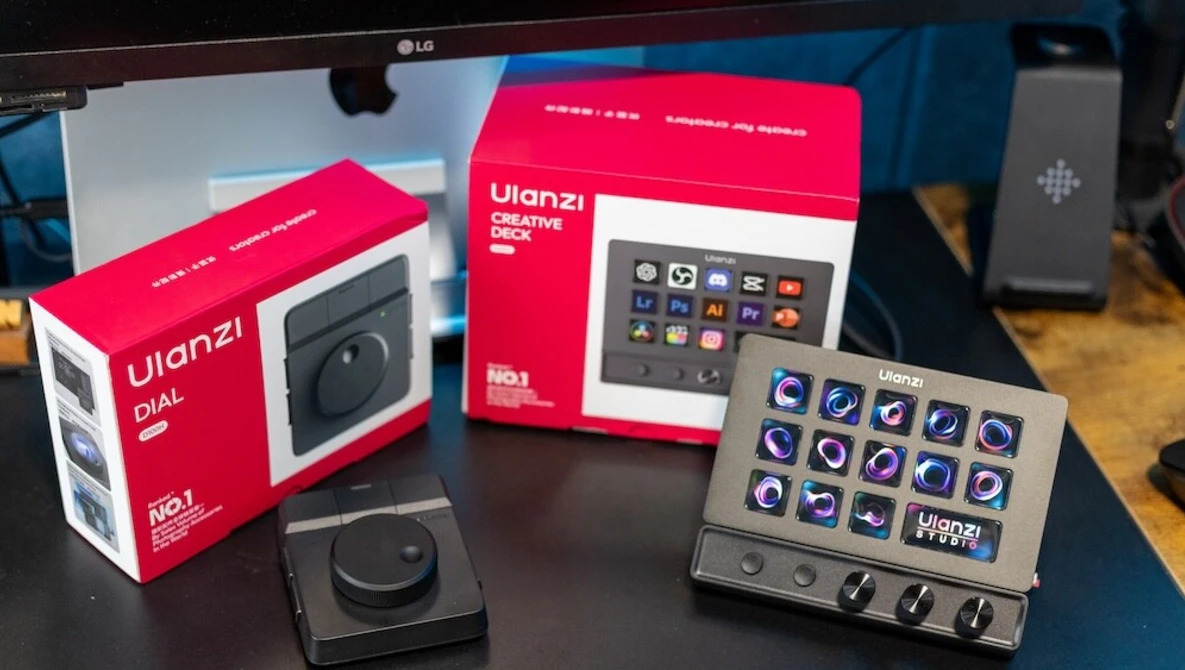
Most editing tools promise to speed up your workflow. Very few actually change how you work. After testing the Ulanzi D200X and Dial in real-world use, I wanted to see if either could genuinely reduce time at the desk or if they just add another layer to the process.
As a photographer and videographer, I spend more time at my desk than I would like to admit. A large part of running a photography business happens away from the camera. Editing, file management, emails, and planning all take time, so having a setup that supports workflow, efficiency, and comfort matters.
My current setup is solid. I use a sit-stand desk, a comfortable chair for when I need it, and I know my way around my computer well enough to work efficiently. Still, I would always rather be out in the landscape, either capturing images or working with clients. The reality is that this side of the job is not always as straightforward.
Because of that, I am always looking for ways to improve output and reduce the time spent at the desk. Over the past while, I have seen more studio-style control products appearing: devices with dials, knobs, and programmable buttons that promise quicker access to software and tools. The idea is simple: reduce repetitive actions into single button presses.
As someone who already relies heavily on keyboard shortcuts when editing both photos and video, this type of solution makes sense.
First Look at the Ulanzi D200X
I had previously come across the Ulanzi D200, which positioned itself as an alternative to the Elgato Stream Deck. It offered similar functionality at a lower price, with 14 customizable keys.
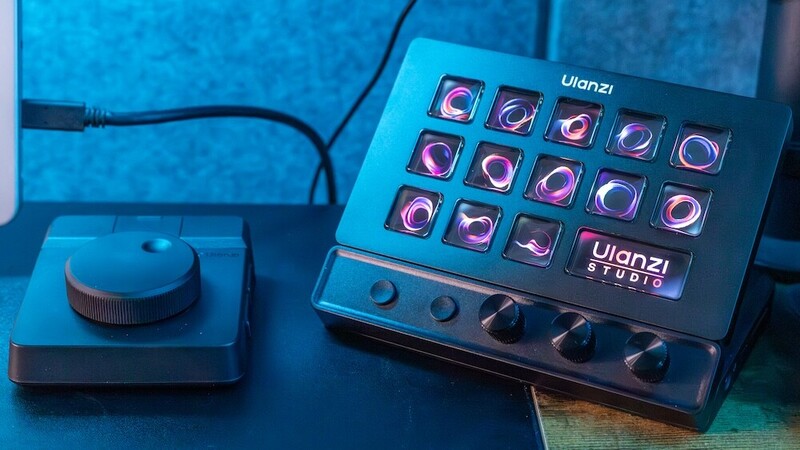
The updated version, the D200X Creative Deck, builds on that idea.
At a glance, it offers:
- 13 fully customizable buttons
- 1 larger display button (time, system info, or custom image)
- 3 programmable dials
- Expanded connectivity including:
- SD card reader
- TF (microSD) card reader
- 3.5mm headphone/mic jack
- 4K HDMI output
- USB-C 3.2 and USB-A ports (up to 10 Gbps)
- USB-C PD port for laptop charging
On paper, it looks like more than just a shortcut device. It also aims to improve cable management and act as a small hub within your setup.
Setup and First Impressions
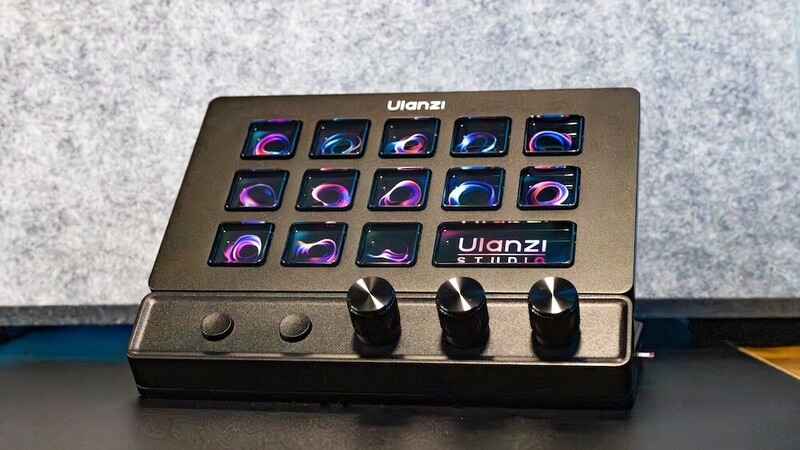
Unboxing is straightforward. Everything is self-contained, and unlike the previous D200, the D200X is fixed in place on its base, so you cannot adjust the viewing angle.
You get a USB-C to USB-C cable, with an adapter for USB-A if needed. A physical manual is included, which is useful, although most of the functionality is explained within the software.
The device requires the Ulanzi Studio app, available on both Mac and PC. Installation is simple, and once connected, the unit is recognized immediately.